Advanced Operations
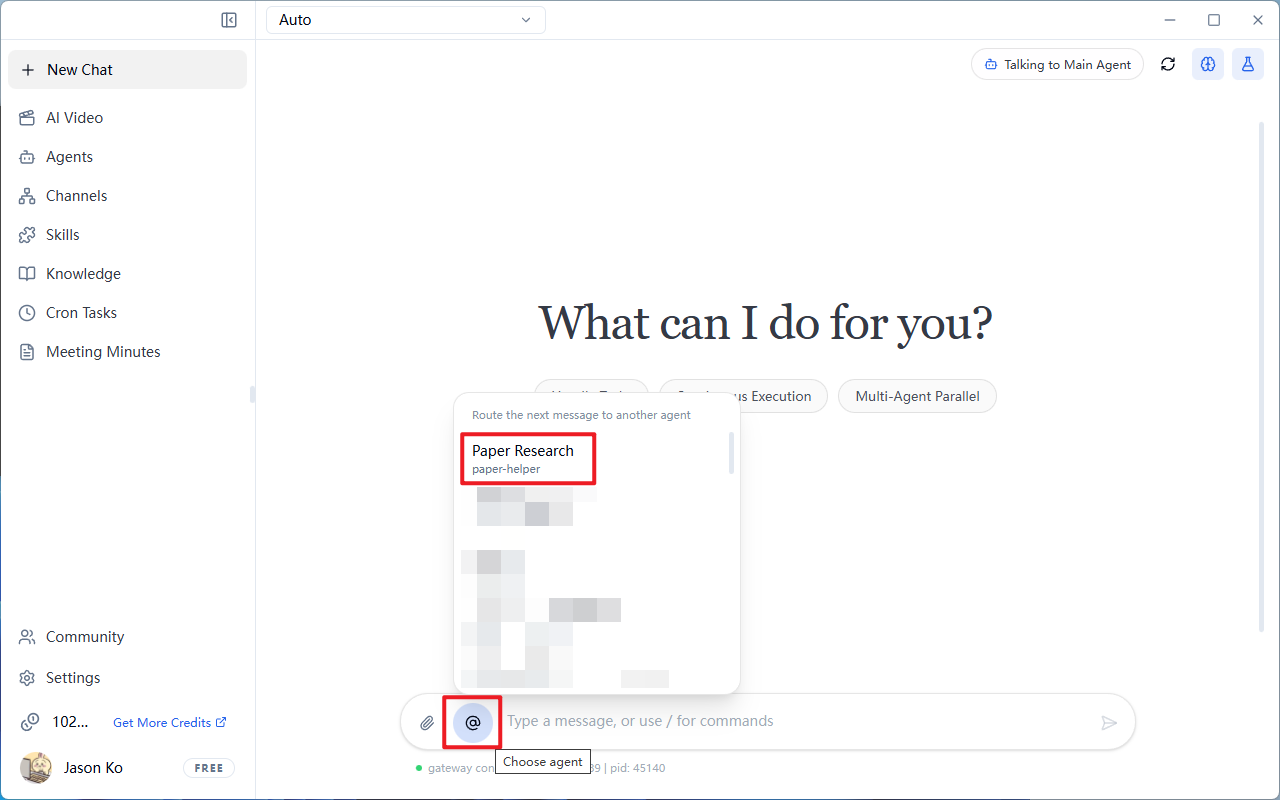
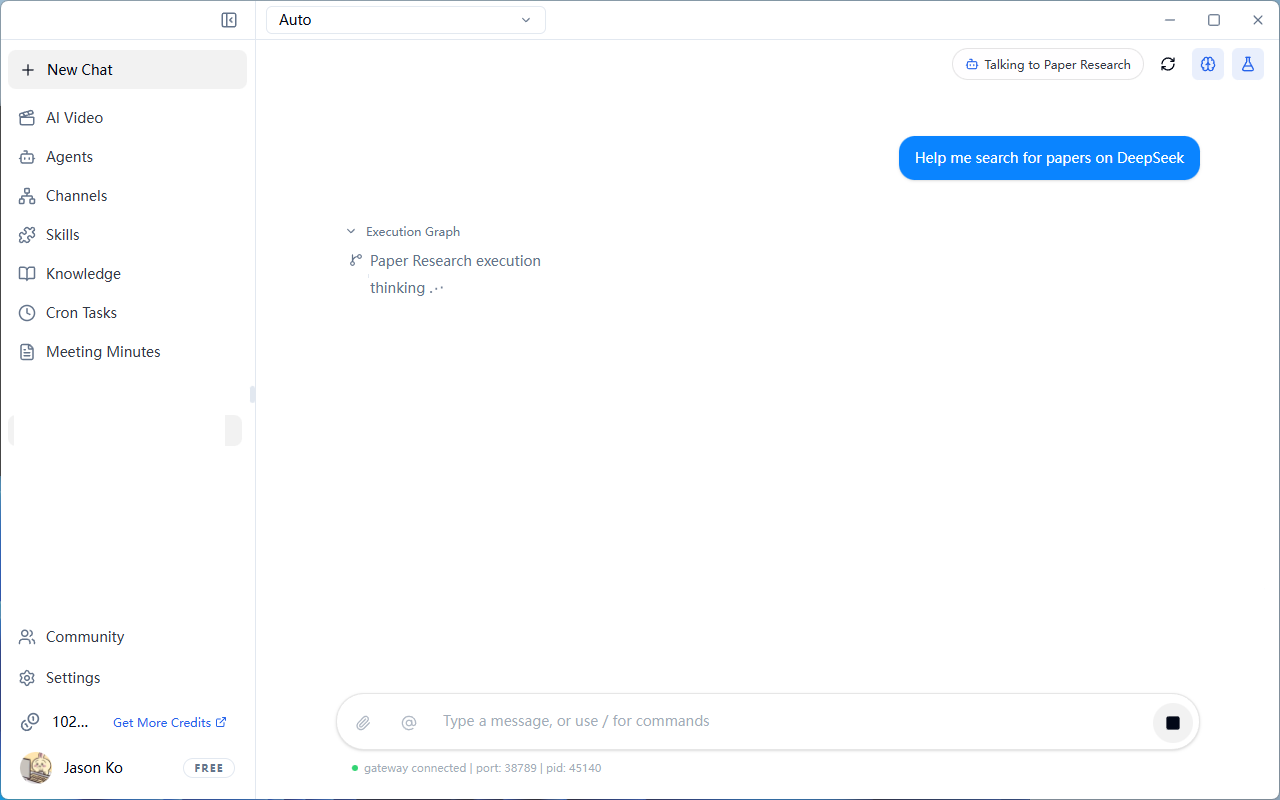
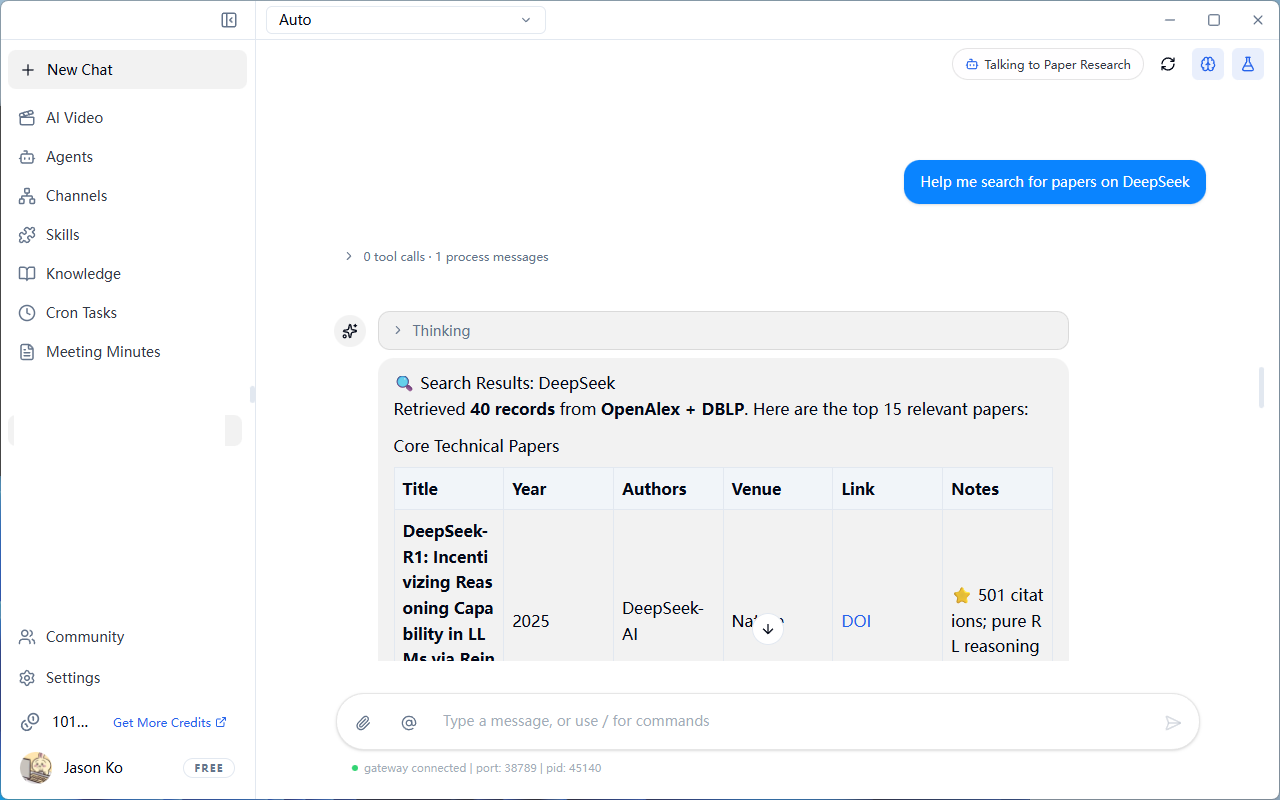
Switch Conversation Target (Switch Agent)
- Click the
@button next to the input box - Select the target agent
Enable Security Protection
Effect: Prevents AI from accidentally deleting/modifying critical files
- Click
Settings→Security Protection
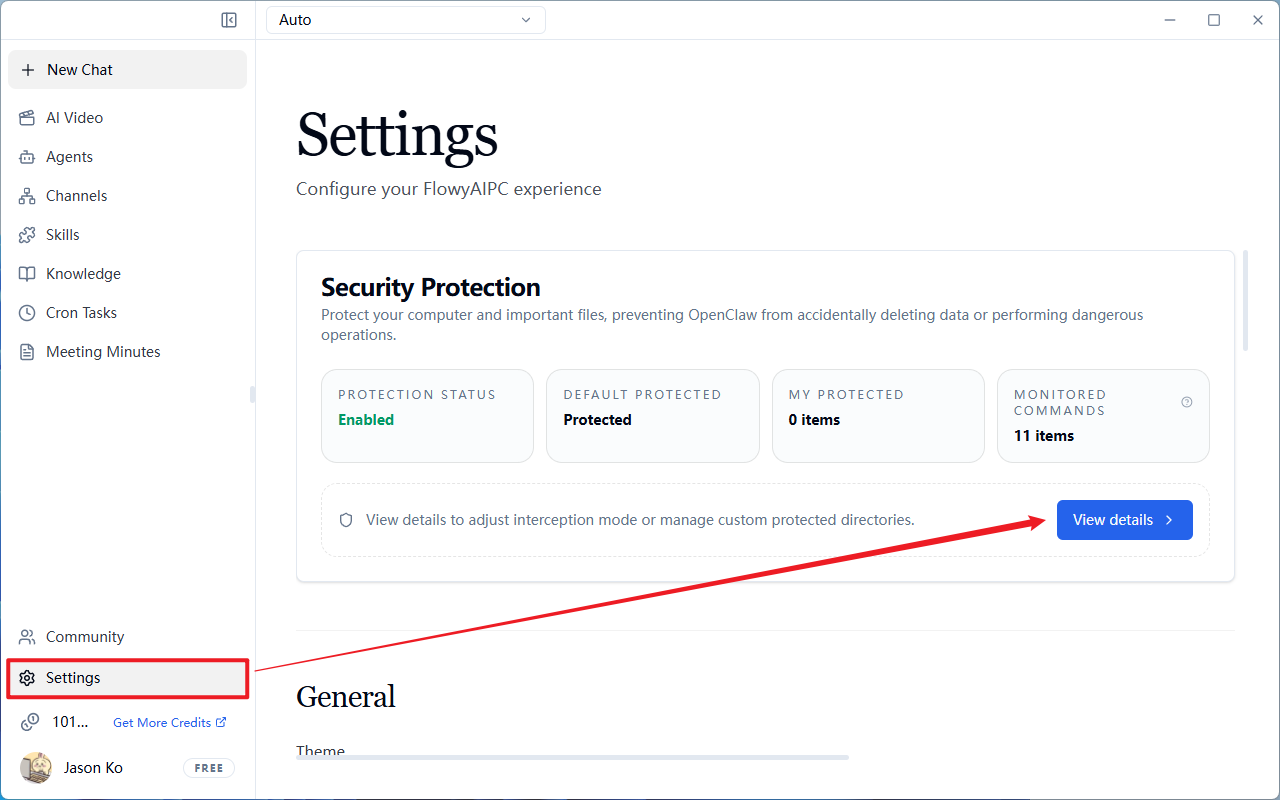
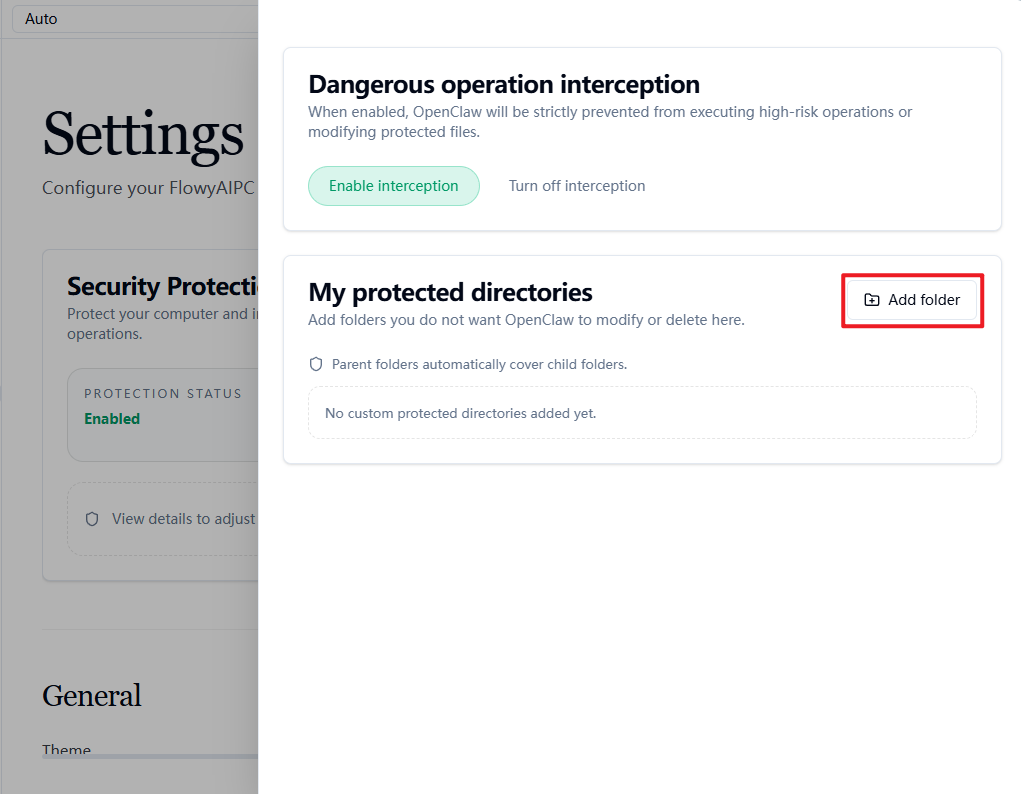
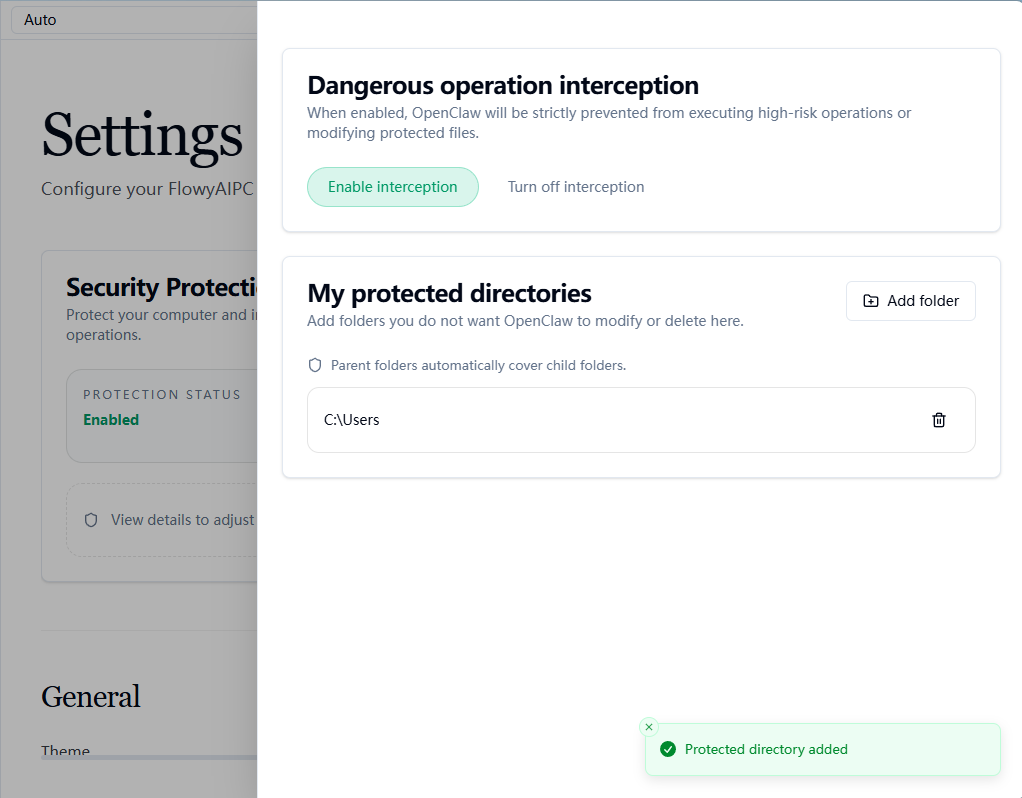
- Add important folders to the
My Protected Directorieslist
Enable Local Model Lite Mode
NOTE
1. What is this feature for?
Local Model Lite Mode is a "safeguard" designed by FlowyAIPC specifically for weaker or resource-constrained local models. Its core functions include:
- Remove heavy tools: When enabled, FlowyAIPC automatically removes three tools that require high reasoning capability in each conversation round:
browser(browser automation),cron(scheduled tasks),message(message sending) - Reduce prompt noise: Decreases system-level tool definitions, lowers the "noise" ratio in the prompt, allowing the model to focus more on core tasks
- Improve response stability: Prevents weaker models from hallucinating or entering infinite loops due to inability to correctly understand complex tool parameters
- Save tokens and memory: Reduces context window occupied by tool descriptions, lowering credit consumption and local model pressure
2. What are the limitations?
- Missing functionality: Once enabled, the Agent will completely lose the ability to browse the web and exchange messages (but network scraping is still possible), schedule tasks, and actively send messages
- Non-intelligent trimming: This is a global configuration that does not dynamically adjust based on the actual needs of the current conversation, potentially disabling useful features for simple queries
- Still requires prompt optimization: Enabling Lite Mode alone is not enough; the System Prompt and group chat rules also need to be streamlined
3. Scenario Recommendations
Recommended to enable:
- Using 7B/8B or smaller parameter models (e.g., Qwen2.5-7B-Instruct, Llama-3-8B)
- Pure code generation/text processing tasks, only requiring basic capabilities like file read/write and terminal commands
- Hardware resource bottleneck when GPU VRAM usage is near its limit
- Sub-agents executing independent atomic tasks that do not need to be aware of the global environment
Recommended to disable:
- Tasks that explicitly require accessing online documentation, scraping web data, setting reminders, or pushing messages to external sources
Steps:
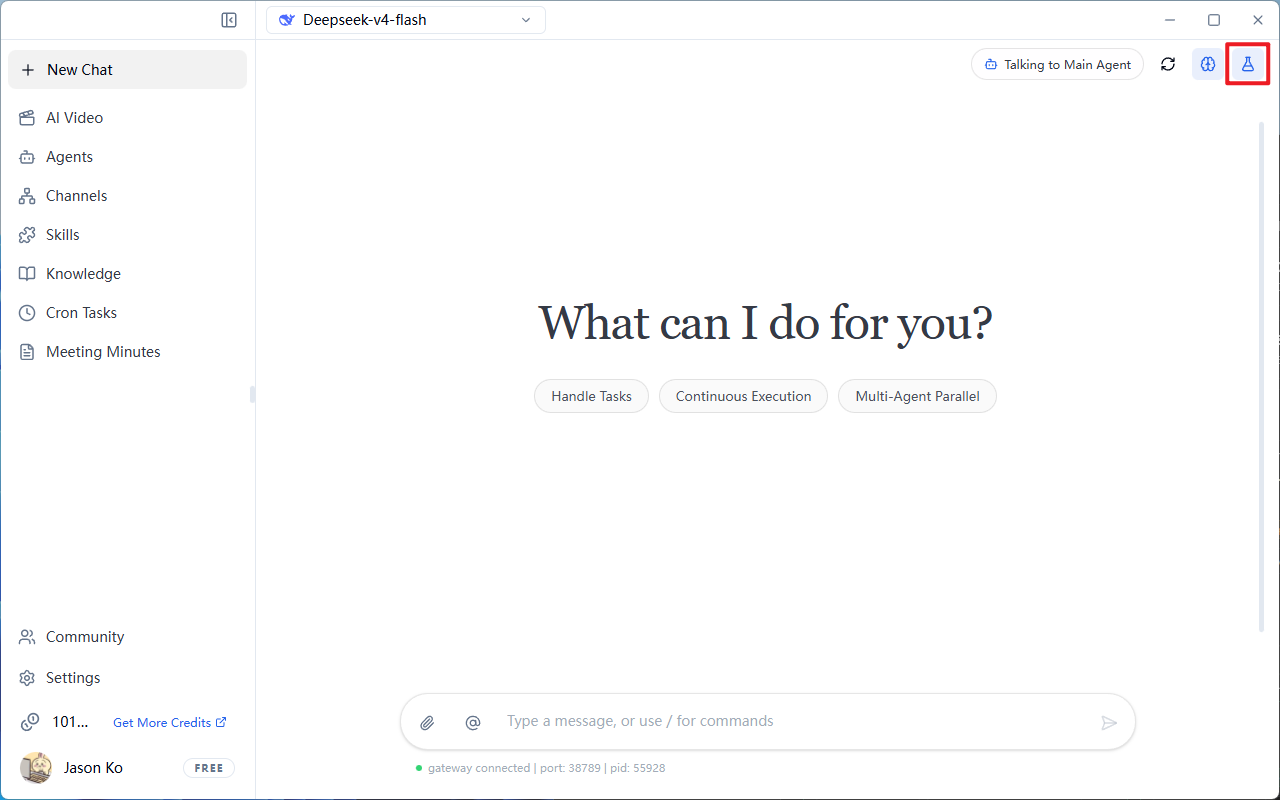
- Click the "flask icon" in the top-right corner of the conversation interface to enable Local Model Lite Mode
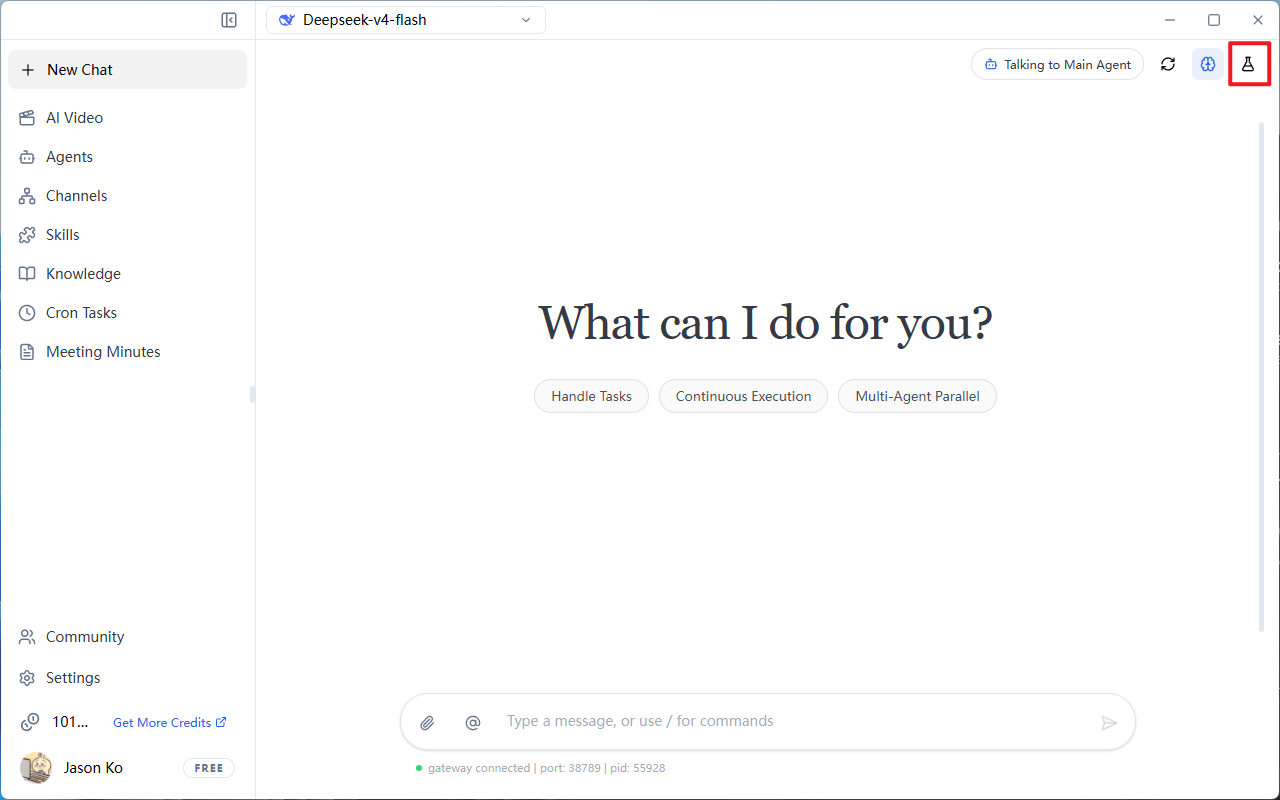
- The icon turns blue to indicate successful activation (gateway may restart during the process, please be patient)