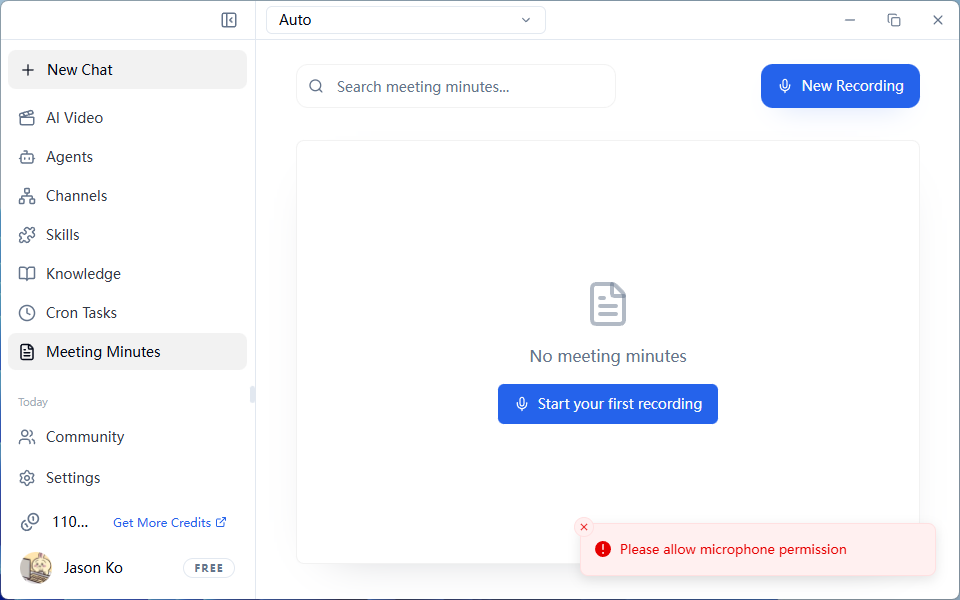
Meeting Minutes
Start Recording
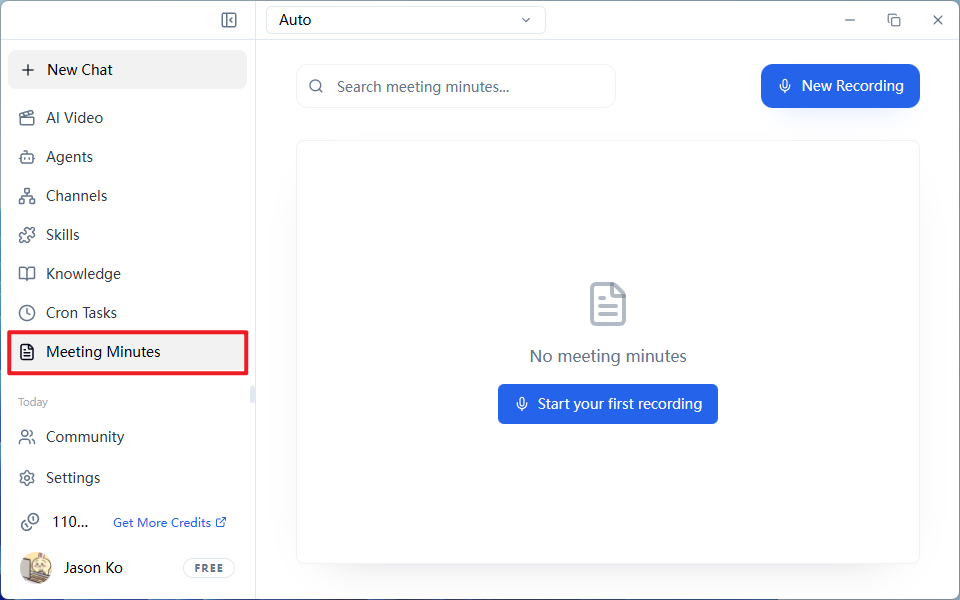
- Click
Meeting Minutesat the top →New Recording - Fill in the meeting information:
- Meeting Topic (e.g., Weekly Meeting)
- Attendees (supports quick filtering later)
- Click the Microphone icon to start real-time speech-to-text
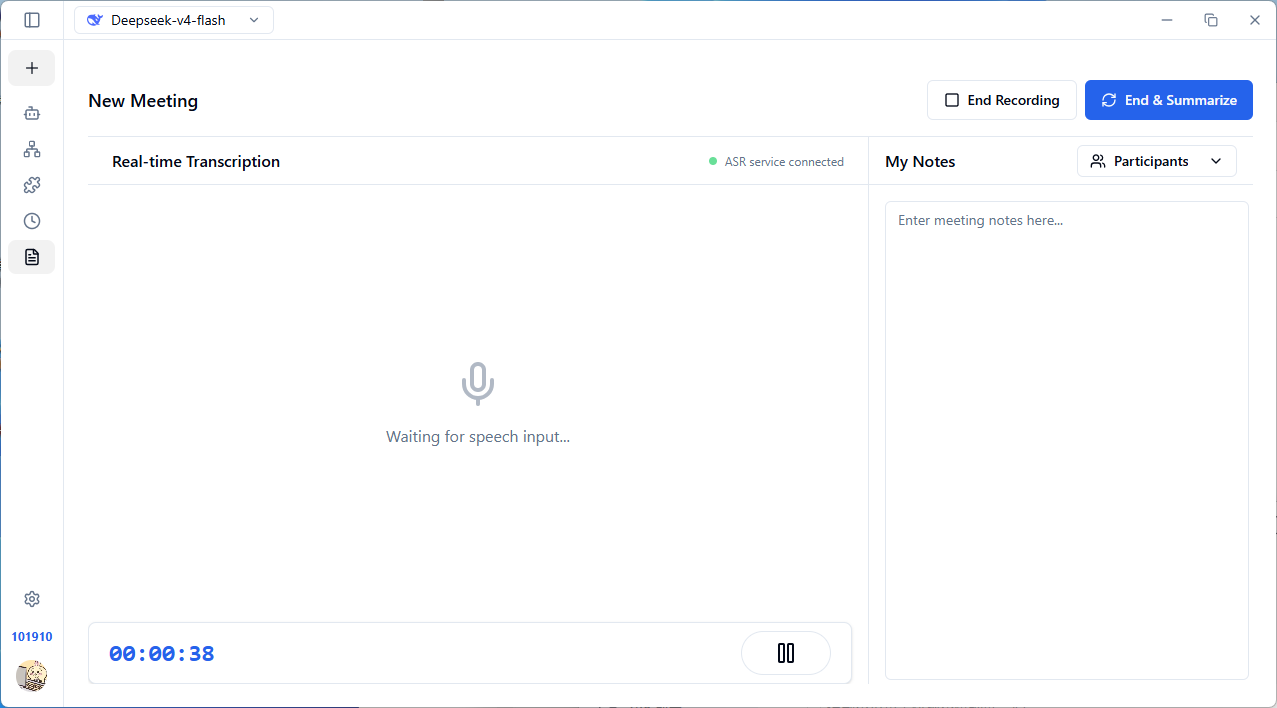
End and Generate Minutes
End & Generate Minutes(Recommended): Automatically organizes summary + action items + transcriptEnd Recording: Only saves the recording text without generating analysis
View Results
The generated content includes three tabs:
Frequently Asked Questions
Q: Clicking "New Recording" won't start? A popup says "Please allow microphone permission"
FlowyAIPC requires microphone permission but cannot detect a microphone. Please check if you have a working microphone device available.